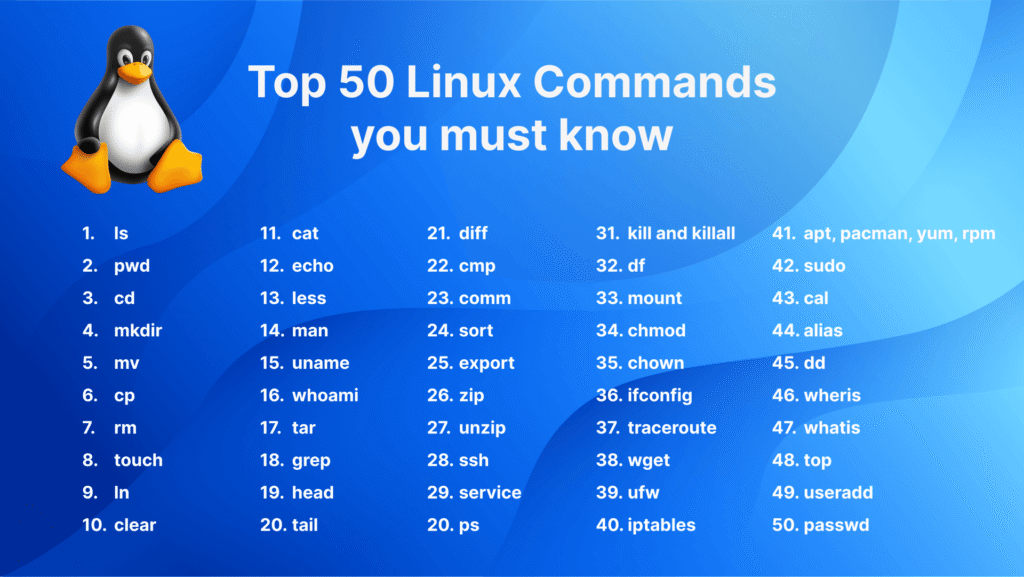
Below are essential Linux commands used daily
50 Commonly Used Linux Commands (With Uses)
📂 Navigation & Display
- pwd – Show current working directory
- ls – List files and directories
- cd – Change directory
- tree – Display directory structure in tree format
- clear – Clear the terminal screen
👤 User & System Identity
- whoami – Show current logged-in user
- who – Show logged-in users
- id – Display user and group IDs
- hostname – Display system hostname
- uname – Show system and kernel information
⏰ Date, Time & System Status
- date – Display system date and time
- uptime – Show system running time and load
- cal – Display calendar
- watch – Run a command repeatedly
- time – Measure command execution time
📄 File & Directory Management
- touch – Create an empty file
- mkdir – Create directories
- rmdir – Remove empty directory
- cp – Copy files or directories
- mv – Move or rename files
- rm – Remove files or directories
📖 File Viewing & Editing
- cat – Display file content
- less – View file page by page
- more – View file content (older pager)
- head – Show first lines of a file
- tail – Show last lines of a file
- nano – Simple text editor
- vi / vim – Advanced text editor
🔍 Searching & Text Processing
- grep – Search text patterns
- find – Search files and directories
- locate – Quickly find files (index-based)
- awk – Pattern scanning and processing
- sed – Stream editor for text manipulation
📊 Disk & Memory Information
- df – Show disk space usage
- du – Show directory/file size
- free – Display memory usage
- lsblk – List block devices
- mount – Mount filesystem
⚙️ Process & Resource Management
- ps – Show running processes
- top – Real-time process monitoring
- htop – Enhanced process viewer
- kill – Terminate a process
- nice – Set process priority
🌐 Networking
- ip – Network configuration tool
- ping – Check network connectivity
- ss – Display socket statistics
- curl – Transfer data from URLs
- wget – Download files from the web
📦 Help & Session Control
- man – Display command manual
- history – Show command history